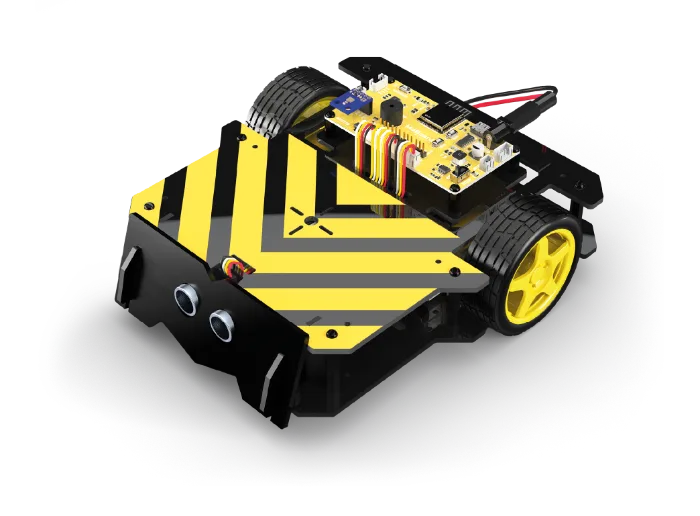
Smart Car
The robot that sees, follows, avoids and recognises colours.
A 120-hour taught curriculum
Delivery to all wilayas · pay on delivery · 12-month warranty
What is in the box
Two things set a Mobot apart from any electronics kit: the printed guide and the platform activation card.
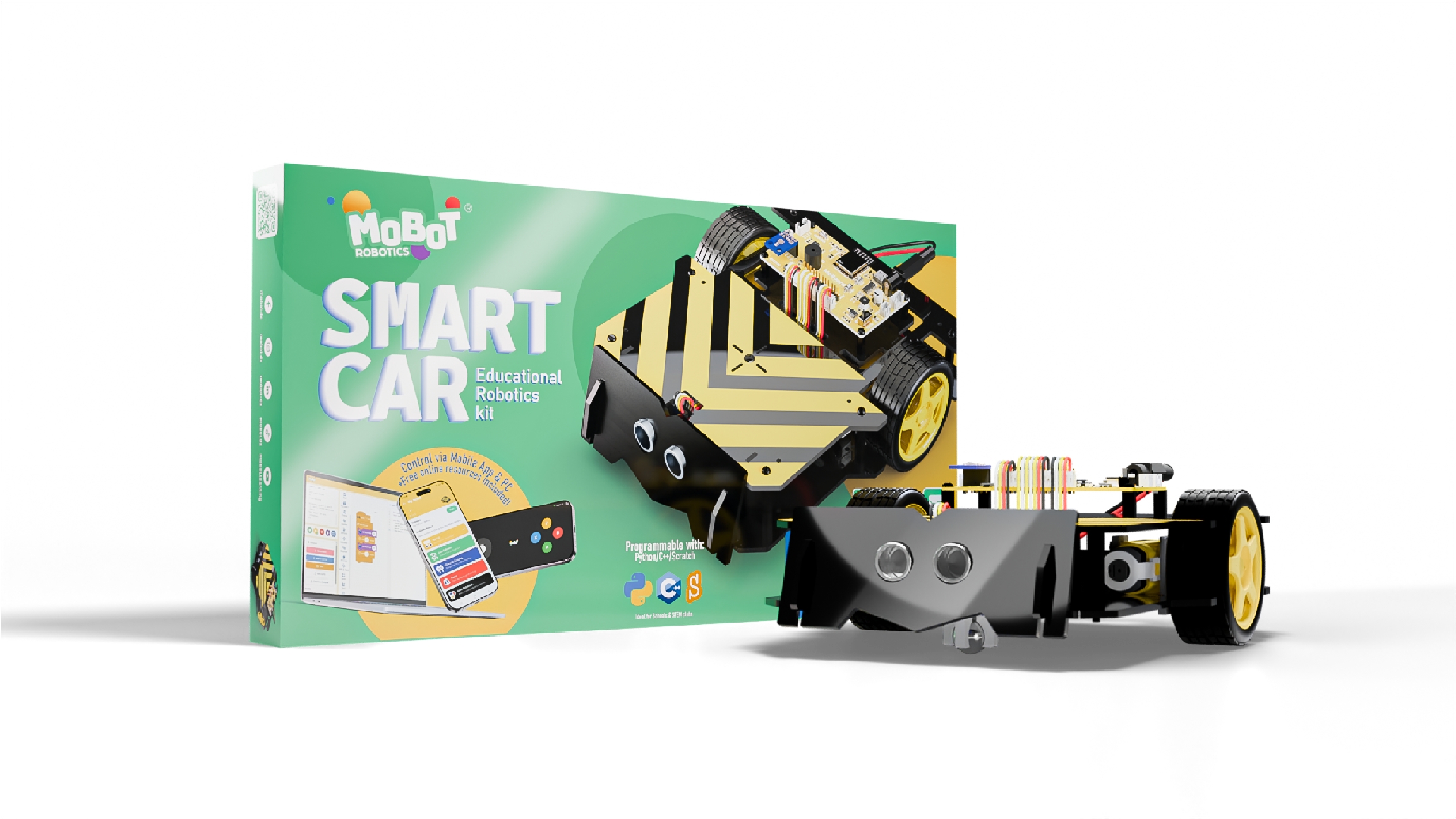
- ×1 MoBoard Robotics board
- ×1 Chassis and mechanical parts
- ×2 Wheels
- ×1 Caster wheel
- ×2 6V DC motors
- ×1 Ultrasonic sensor
- ×1 5-channel infrared sensor
- ×1 RGB colour sensor
- ×1 Compass
- ×1 6 AA battery holder
- ×4 30 mm screws and nuts
- ×22 10 mm screws and nuts
- ×6 30 mm spacers
- ×4 12 mm spacers
- ×1 Screwdriver
- ×3 Connection cables
- ×1 Printed teaching guide, 24 pages Mobot only
- ×1 Platform activation card Mobot only
The components
Every part has a role, and the child learns to name it.
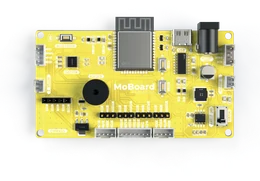
MoBoard Robotics
The robot's brain: drives the motors, reads the sensors, runs the programs.
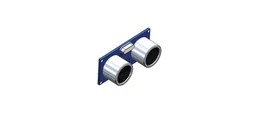
Ultrasonic sensor
Measures the distance to obstacles, the way a bat does.
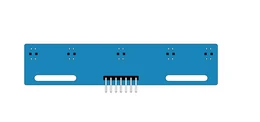
5-channel infrared sensor
Tells light from dark on the ground to follow a line.
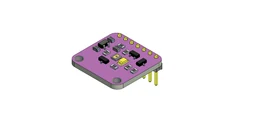
RGB colour sensor
Recognises a surface's colour so the robot can react to it.
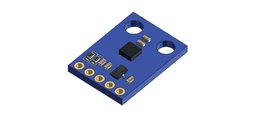
Compass
Gives the robot's heading relative to magnetic north.
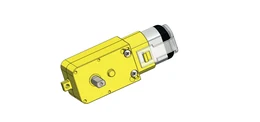
DC motors
Drive the wheels and allow precise movement.
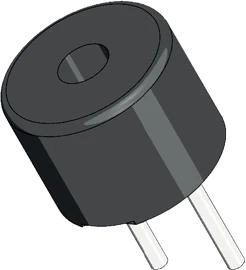
Buzzer
Makes the robot's sounds: alerts, melodies, piano mode.
LEDs
Show the robot's state and bring the play modes to life.
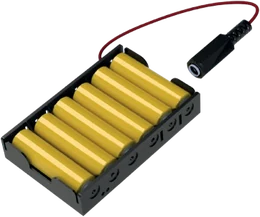
6 AA battery holder
Powers the board and all the components.
20 guided projects
Electronics
- Line follower
- Colour detector
Programming
- My first course
- Obstacle avoidance
- App-controlled robot
How you program
The same program, written three times. The child starts with blocks, meets Python once the structure is familiar, and reaches C++ without a break.
Example: drive forward, then turn at an obstacle.
while True:
    if distance() < 20:
        turn_left()
    else:
forward()void loop() {
if (distance() < 20) {
turnLeft();
} else {
forward();
}
}Illustrative extract. The exact functions are in the kit guide.
The app
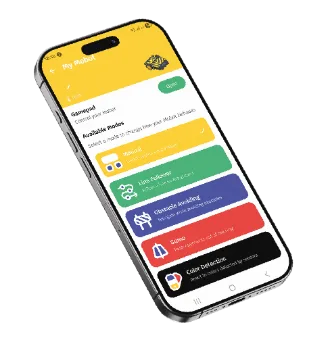
The robot is driven from the phone, with no setup. Modes launch from a single button.
- Manual driving
- Line follower
- Obstacle avoidance
- Stay in the Ring
- Colour detection
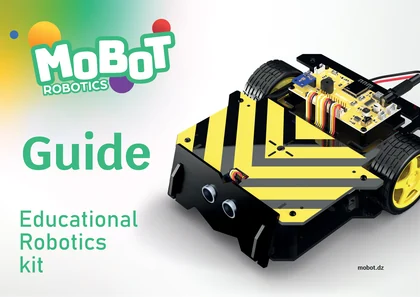
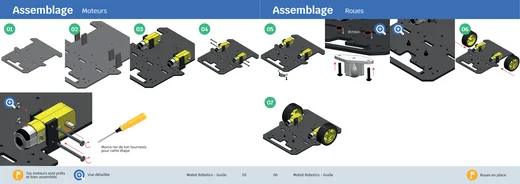
A printed guide.
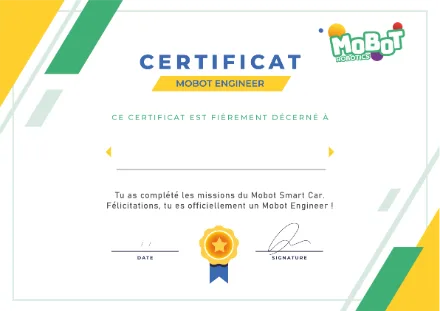
And a certificate at the end.
The teaching guide
Every kit ships with its booklet: annotated board diagrams, sensor sheets with their specifications, core concepts and activities. Real course content, not an assembly leaflet.
The certificate
Missions complete, the child receives a Mobot Engineer certificate, or Mobot IoT Engineer for the Smart Home. For the classroom or the bedroom wall.
It can make a robot move. Now teach it to run a house.
A house that measures, alerts, unlocks and lights itself.
Explore Smart Home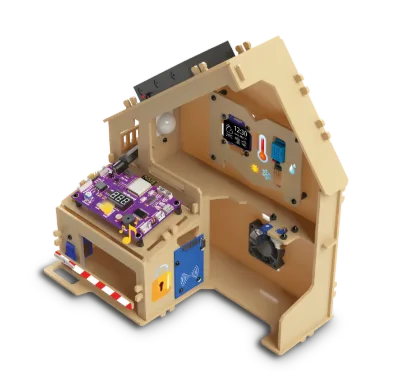
Frequently asked questions
No. The robot is built and driven from the app, without writing a line of code. Programming comes next, in coloured blocks, when the child wants it.
Around 1 h 30 with the printed guide. The first time usually takes longer, and that is fine: building is part of the learning.
A phone is enough to build the robot and drive it. To program with Mobot Blocks you need a computer and a browser — there is nothing to install.
Academy tutorials are available in four languages: French, Arabic, English and Spanish. The printed guide ships with the kit.
Every component is sold separately. Message us on WhatsApp with the part reference and we send it out.
12 months from the kit's activation on mobot.dz (the date is shown on your account). It covers manufacturing defects. The details are in the terms and conditions. Terms and conditions