Smart Home
A house that measures, alerts, unlocks and lights itself.
A 120-hour taught curriculum
Delivery to all wilayas · pay on delivery · 12-month warranty
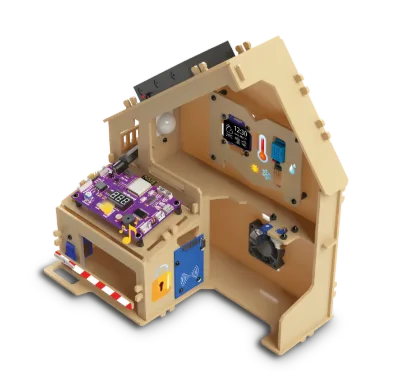
What is in the box
Two things set a Mobot apart from any electronics kit: the printed guide and the platform activation card.
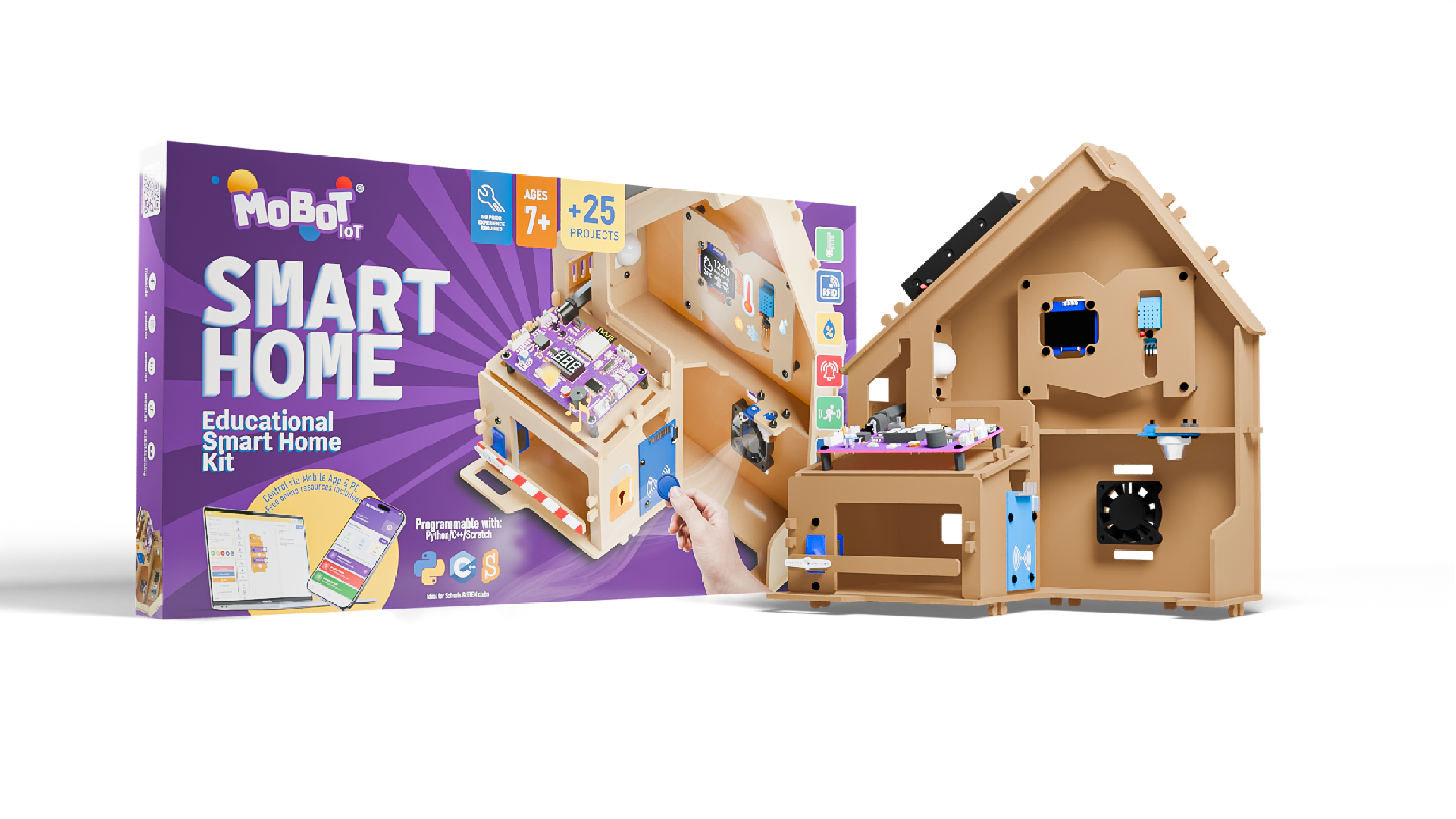
- ×1 MoBoard IoT board
- ×1 House structure and mechanical parts
- ×1 RFID reader
- ×2 RFID tags
- ×1 Temperature and humidity sensor
- ×1 Motion sensor
- ×1 Gas sensor
- ×1 Servo motor
- ×1 Fan
- ×1 OLED display
- ×1 6 AA battery holder
- ×4 30 mm screws and nuts
- ×26 10 mm nylon screws and nuts
- ×8 12 mm spacers
- ×5 Connection cables
- ×1 Screwdriver
- ×1 Printed teaching guide Mobot only
- ×1 Platform activation card Mobot only
The components
Every part has a role, and the child learns to name it.
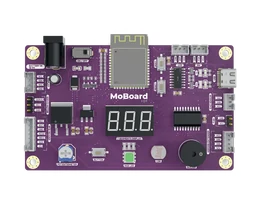
MoBoard IoT
The house's brain: reads the sensors, drives the actuators, connects over WiFi.
Light sensor
Measures the room's light level.
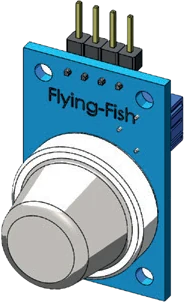
Gas sensor
Detects dangerous gases in the air.
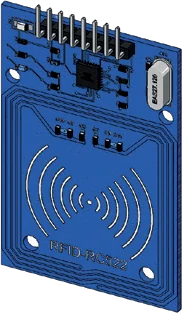
RFID reader
Reads a tag remotely by radio frequency.
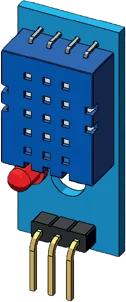
Temperature and humidity sensor
Measures ambient temperature and humidity.
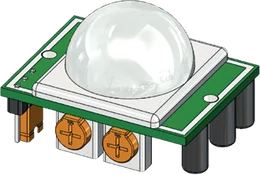
Motion sensor
Detects movement in the room.
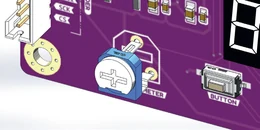
Potentiometer
Allows gradual manual adjustment.
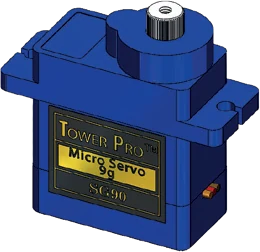
Servo motor
Controls precise rotation.
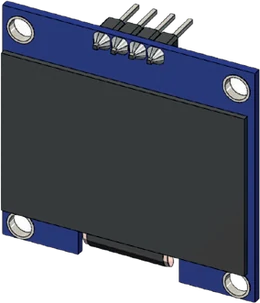
OLED display
Displays text and graphics.
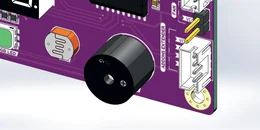
Buzzer
Makes sounds and melodies.
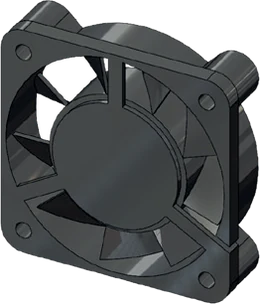
Fan
Generates airflow.
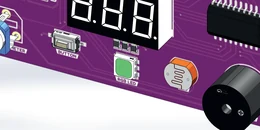
7-segment display
Displays digits.
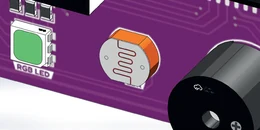
RGB LED
Lights up in any colour.
25 guided projects
Physics
- Evacuation system
- Weather station
Electronics
- Alarm system
Programming
- Start-up system
- Access system
How you program
The same program, written three times. The child starts with blocks, meets Python once the structure is familiar, and reaches C++ without a break.
Example: drive forward, then turn at an obstacle.
while True:
    if distance() < 20:
        turn_left()
    else:
forward()void loop() {
if (distance() < 20) {
turnLeft();
} else {
forward();
}
}Illustrative extract. The exact functions are in the kit guide.
The app
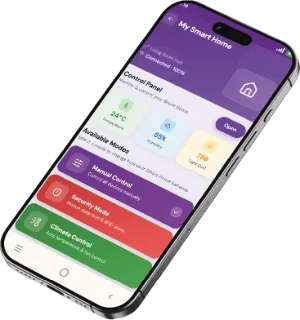
The robot is driven from the phone, with no setup. Modes launch from a single button.
- Weather station
- Security mode
- Gas detection
- RFID access
- Smart lighting
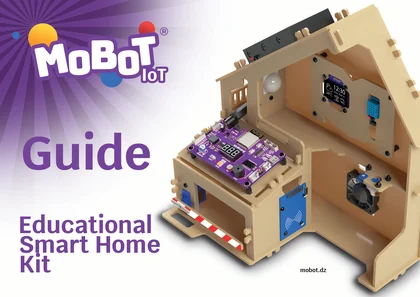
A printed guide.
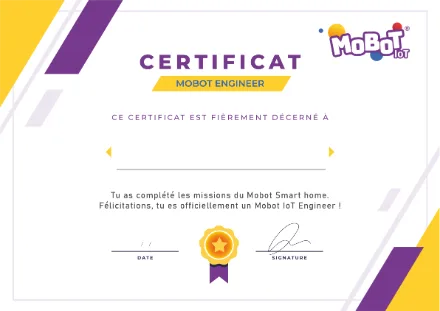
And a certificate at the end.
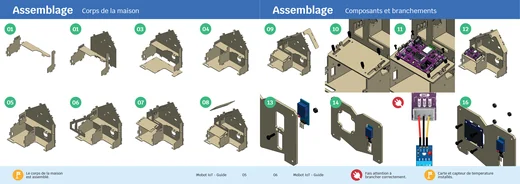
The teaching guide
Every kit ships with its booklet: annotated board diagrams, sensor sheets with their specifications, core concepts and activities. Real course content, not an assembly leaflet.
The certificate
Missions complete, the child receives a Mobot Engineer certificate, or Mobot IoT Engineer for the Smart Home. For the classroom or the bedroom wall.
It can connect objects. Now teach it to make them move.
The robot that sees, follows, avoids and recognises colours.
Explore Smart Car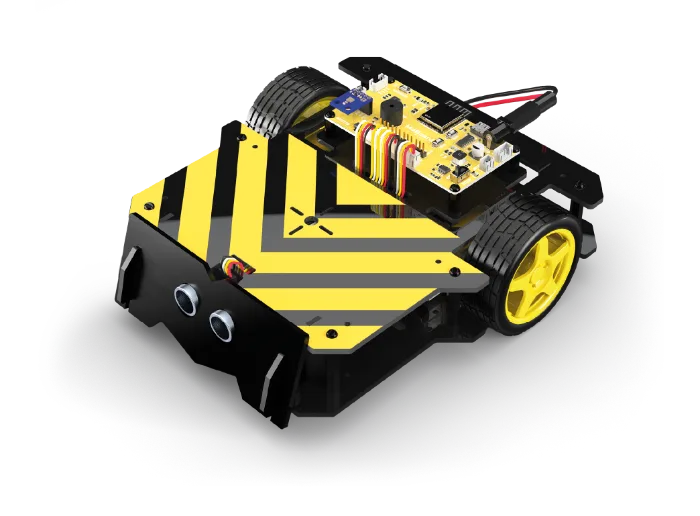
Frequently asked questions
No. The robot is built and driven from the app, without writing a line of code. Programming comes next, in coloured blocks, when the child wants it.
Around 1 h 30 with the printed guide. The first time usually takes longer, and that is fine: building is part of the learning.
A phone is enough to build the robot and drive it. To program with Mobot Blocks you need a computer and a browser — there is nothing to install.
Academy tutorials are available in four languages: French, Arabic, English and Spanish. The printed guide ships with the kit.
Every component is sold separately. Message us on WhatsApp with the part reference and we send it out.
12 months from the kit's activation on mobot.dz (the date is shown on your account). It covers manufacturing defects. The details are in the terms and conditions. Terms and conditions