The software The robot is the body.
The robot is the body.
The software is everything else.
Four tools around every kit. An editor to program, an app to drive, a utility to update, and an academy to learn.
Included with every Mobot kitMobot Blocks
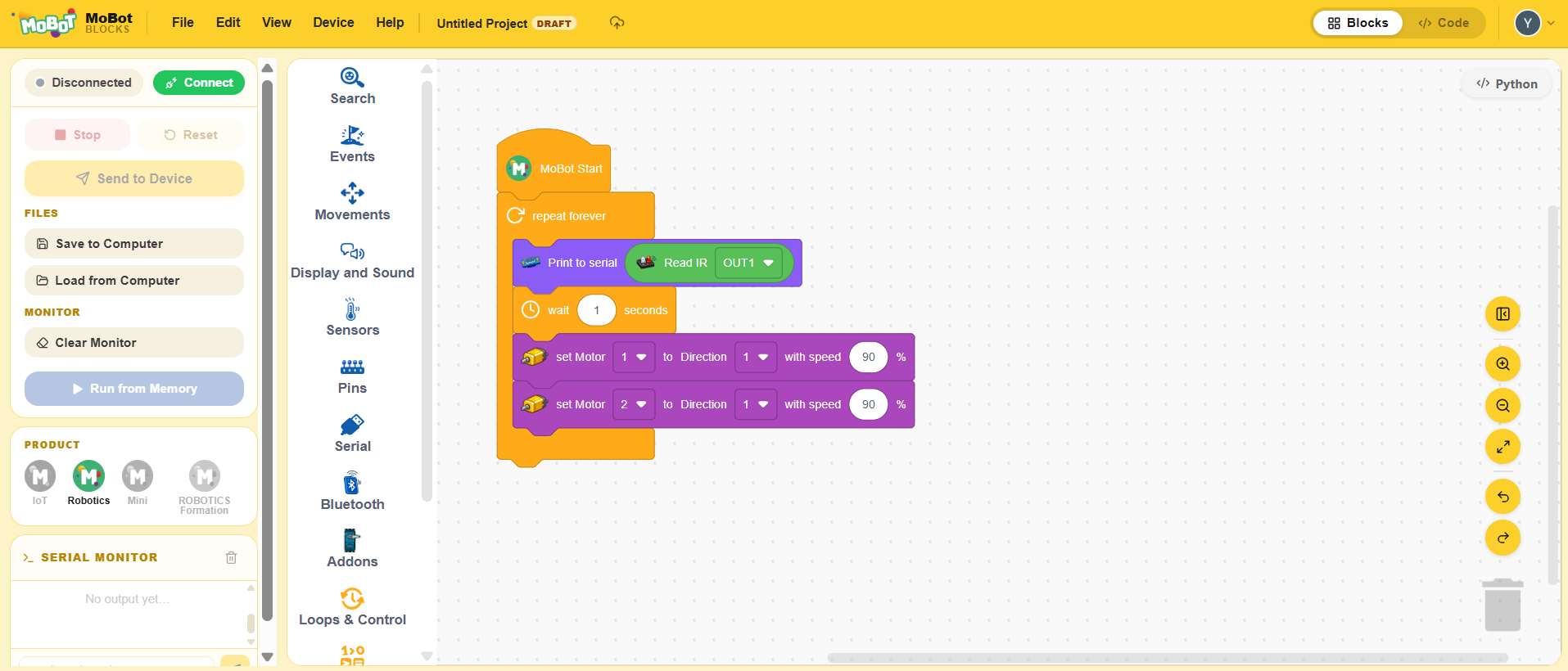
The web editor: coloured blocks all the way to Python, with nothing to install.
- Blocks and Python side by side
- Sensor, motor, sound and display libraries
- Send straight to the robot over USB
The mobile app
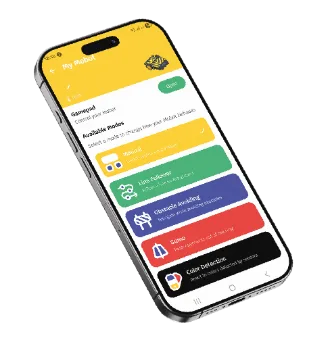
Drive the robot, launch the modes, read the sensor values.
- Real-time joystick and buttons
- Preset modes for each kit
- Temperature, humidity and light readings
Mobot Flash
Install or restore the factory program on the board.
- Windows, macOS and Linux
- Picks the right program for your board
- Back to the factory program in one click

The Academy
The tracks and video tutorials, from the first build to C++.
- Tracks by kit and by subject
- Four languages
- Certificate at the end of a track
Compatibility
Compatibility
What each tool needs to run.
| Software | Systems | Required |
|---|---|---|
| Mobot Blocks On the Smart Car Mini, the programming module is required. | To be confirmed | A recent browser |
| The mobile app | To be confirmed | Bluetooth |
| Mobot Flash On the Smart Car Mini, the programming module is required. | To be confirmed | A USB cable |
| The Academy | To be confirmed | A recent browser |
| Arduino IDE A C++ environment installed on the computer, for the advanced level. | To be confirmed | An install on the computer Installation documentation |
Full access comes from activating.
Some tutorials are open to everyone. The rest, along with the tracks and the certificate, opens up when you activate the code on your card.